Controller Battery and Charging: Charge Times, Battery Life, and Drain Fixes
Most controller batteries charge in two to six hours and last from four hours to more than forty, depending on the model. A DualShock 4 and DualSense charge over USB, Xbox pads use AA cells or a rechargeable kit, and the Switch Pro lasts longest. Reference tables for each are below.
Real charge times and battery life for every major pad, why the battery drains fast, and how to tell a dead cell from a hardware fault.
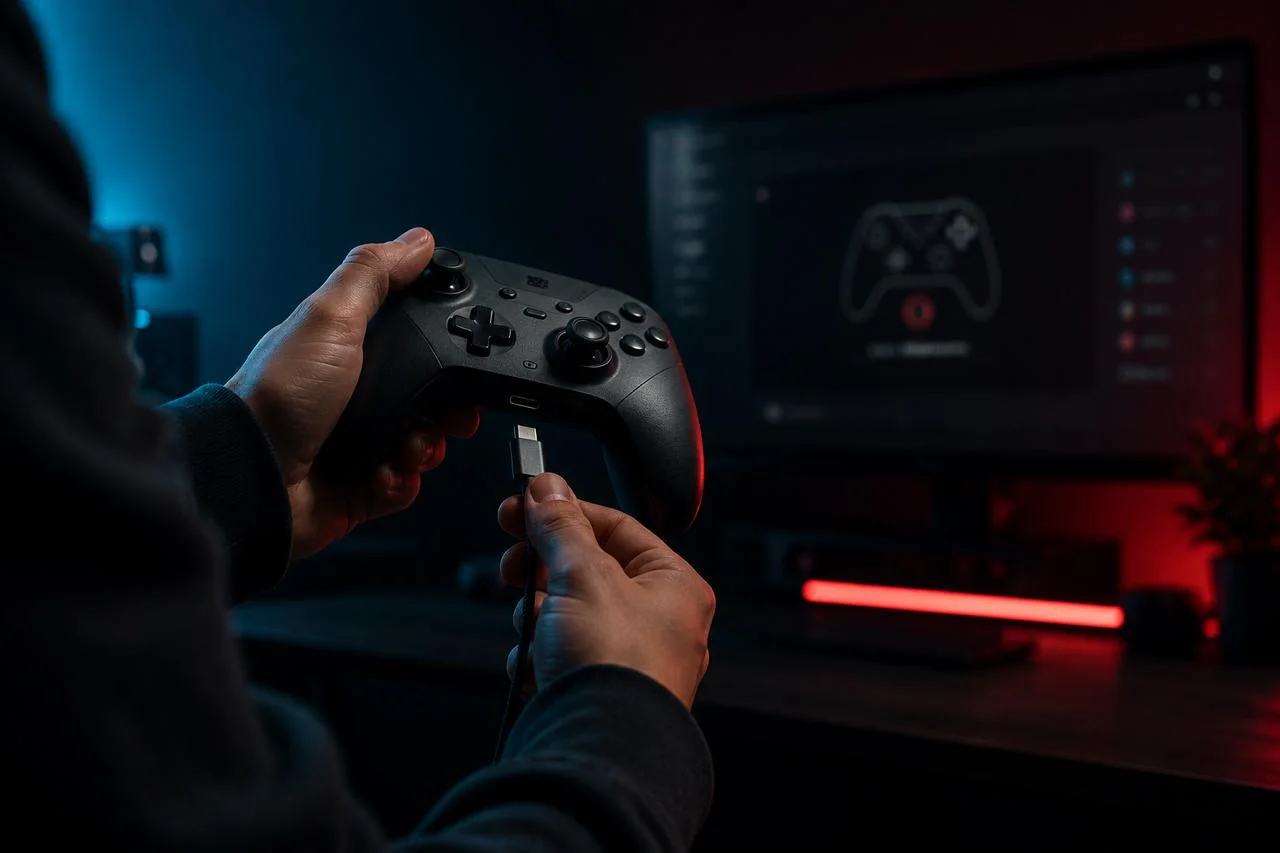
That spread is wide because three things move the numbers: the pad you own, the features it runs, and the age of the cell inside.
There is one trap worth naming first. A controller that drains fast, or seems not to hold a charge, is often a connection or hardware fault dressed up as a battery problem. The last section shows how to tell them apart with the JoyCheck controller tester, so you do not pay for a battery that was never the fault.
Key takeaways
- A DualShock 4 charges in about 2 hours, a DualSense in roughly 3, and a Switch Pro in around 6.
- The Switch Pro Controller lasts up to 40 hours per charge, the longest of any first-party pad.
- An Xbox Play and Charge kit holds about 1,100 mAh, often less than two fresh AA batteries.
- Most battery complaints trace to worn cables, charge-only cables, or background drain, not a dead cell.
- A pad that charges but still misbehaves has a hardware fault, which the controller tester confirms in seconds.
◆ VERIFIED
An Xbox Play and Charge kit uses a single rechargeable pack of about 1,100 mAh. That is less stored energy than two fresh AA alkaline cells hold, which is why many players find the kit needs recharging sooner than disposable batteries last [2]. The kit wins on cost over time and convenience, not on runtime per charge.
The two reference tables below pull together the published battery capacities, the manufacturer charge guidance, and the run-times heavy users report. Treat them as a planning reference, not a lab certificate, since real numbers shift with features, cable quality, and cell age.
How long does it take to charge a controller?
Charge time depends on the battery size and the charger you use. A DualShock 4 reaches full in about two hours, a DualSense in roughly three, and a Nintendo Switch Pro Controller in around six. Charging from a wall adapter is faster than charging from a console in rest mode, which trickles power slowly to save energy.
| Controller | Battery | Charge time to full | Charge connector |
|---|---|---|---|
| DualShock 4 (PS4) | About 1,000 mAh | ~2 hours | USB micro-B |
| DualSense (PS5) | 1,560 mAh | ~3 hours | USB-C |
| DualSense Edge | About 1,050 mAh | ~3 hours | USB-C |
| Switch Pro Controller | 1,300 mAh | ~6 hours | USB-C |
| Xbox Play and Charge kit | About 1,100 mAh | 2 to 4 hours | USB-C |
| Xbox with AA cells | 2 x AA | Not applicable, swap cells | n/a |
Rest-mode charging on a PlayStation is the slowest path because the console limits power while it sleeps [1]. For the quickest top-up, use a phone charger or a powered USB hub rated for at least 1 amp.
How long does a controller battery last on one charge?
Battery life ranges widely by model. A DualShock 4 gives four to eight hours, a DualSense eight to twelve, and the Switch Pro Controller up to forty, the longest of any first-party pad [3]. Xbox controllers on fresh AA cells last around thirty to forty hours, usually more than the rechargeable kit.
| Controller | Typical battery life | What shortens it |
|---|---|---|
| DualShock 4 | 4 to 8 hours | Light bar, rumble, plugged-in headset |
| DualSense | 8 to 12 hours | Adaptive triggers, haptics, speaker |
| DualSense Edge | 6 to 10 hours | Same features, smaller battery |
| Switch Pro Controller | Up to 40 hours | HD rumble, motion controls |
| Xbox (2 x AA) | 30 to 40 hours | Vibration, low-quality cells |
| Xbox Play and Charge | 10 to 30 hours | Smaller 1,100 mAh capacity |
The spread inside each row is real, not hedging. A DualSense played with heavy haptics and full brightness lands near the bottom of its range, while the same pad in a menu-driven game reaches the top.
How do I know my controller is charging?
Each controller signals charging in its own way. A DualShock 4 pulses its light bar amber, and a DualSense pulses the small bar beside the touchpad. An Xbox Wireless Controller has no charge light at all, so you check the battery icon on screen. The Switch Pro shows a charging icon and cycling player LEDs.
| Controller | Charging sign | Fully charged |
|---|---|---|
| DualShock 4 | Light bar pulses amber | Light bar turns off in rest mode |
| DualSense | Touchpad bar pulses amber | Bar turns off |
| Switch Pro | Player LEDs cycle, charge icon shows | LEDs off, icon full |
| Xbox | No light, check the on-screen icon | Icon shows full |
A PlayStation light bar carries more meaning than charge state alone, including the player slot and pairing status. The PS4 connection guide decodes every light-bar color in full.
Why does my controller battery drain so fast?
A controller battery drains fast for a few common reasons: an aging lithium-ion cell, power-hungry features like haptics and rumble, a pad that never fully sleeps, or a weak cable that charges slowly. A DualSense uses more power than older pads because the adaptive triggers and haptic motors stay active during play.
Start with the cheap fixes. Lower the controller speaker volume and light-bar brightness in settings, and let the pad sleep when you step away instead of leaving a game paused for hours.
Watch for a controller that stays awake because it never loses its link. If a pad seems to lose power but is really dropping and re-establishing its wireless connection, the controller keeps disconnecting guide covers that as a separate problem from a worn battery.
Do controller batteries wear out over time?
Yes, every built-in controller battery wears out. The lithium-ion cells in a DualShock 4, DualSense, or Switch Pro lose a little capacity with each charge cycle, so a two or three year old pad holds less than when new. This normal aging is the most common reason an older controller suddenly needs charging far more often [5].
Heat and charging habits speed the decline. Leaving a controller plugged in for weeks, charging it to full and draining it to empty over and over, and storing it in a hot room all age the cell faster [5].
You cannot stop the wear, but you can slow it. Top the battery up before it hits zero, unplug it once full when practical, and keep it at room temperature.
Can you charge a controller while playing?
Yes, you can charge most controllers while playing by leaving a USB cable connected. A DualShock 4, DualSense, Switch Pro, and an Xbox pad with a Play and Charge kit all run wired and charge at the same time. A charge-only cable still delivers power for this, since playing wired needs current, not data.
Wired play has a quiet bonus beyond charging. It removes the Bluetooth link entirely, which cuts a few milliseconds of input lag and rules out wireless dropouts during a tense match.
Keep a cable long enough to reach your seat without strain on the port. A taut cable that yanks at the connector is a common cause of a loose, flaky charging port later on.
Charging dock, cable, or Play and Charge kit: which is best?
The best charging method depends on your routine, not on one universal answer. A plain USB cable is cheapest and charges fastest from a wall adapter. A charging dock is tidiest when you own two pads and want a fixed habit. The Xbox Play and Charge kit is convenient, but its small cell often lasts less than fresh AA cells.
A dock earns its place through habit. If a controller lives on the dock between sessions, it is always near full, and you never start a game on a dying pad.
For Xbox specifically, weigh runtime against waste. High-capacity rechargeable AA cells in a quality charger often beat the Play and Charge kit on hours per charge while still avoiding disposable batteries.
How do you replace a worn controller battery?
You replace a controller battery by opening the case and swapping the lithium-ion pack, or for Xbox, by simply changing the AA cells or the rechargeable kit. A DualShock 4 and DualSense use a removable battery connector, so the job needs a small Phillips screwdriver, a plastic pry tool, and a replacement pack rated for that exact model.
Take the case apart slowly and watch the ribbon cables. The thin flex cables that feed the touchpad and triggers tear easily, and a torn ribbon turns a battery swap into a bigger repair.
Opening a controller usually voids any remaining warranty, so check that first. If you are already inside the shell for other reasons, the PS4 controller repair guide walks through the common board-level fixes alongside the battery.
Is it a dead battery or a hardware fault?
A dead battery and a hardware fault look alike but are not the same problem. If the pad charges, powers on, and pairs, the battery is doing its job and the fault is elsewhere. Open the JoyCheck controller tester in any browser, then press every button, pull both triggers, and move both sticks to see exactly what fails.
The test reads inputs through the W3C Gamepad API, the open standard browsers use to talk to controllers, so nothing installs and nothing is uploaded [4]. Connect the pad by USB or Bluetooth, press a button so the page registers it, then work through every input one by one.
Pay close attention to the sticks at rest. A stick that reports movement while you are not touching it is drift, which the deadzone tester measures precisely and the stick drift fix guide and PS5 stick drift guide explain how to repair. A button that never lights up is a hardware fault, and no new battery will bring it back.
Sources and references
- PlayStation controller support: charging a DualShock 4 and DualSense over USB and in console rest mode.
- Xbox support: using batteries in your Xbox Wireless Controller: AA cells and the Play and Charge kit.
- Nintendo Switch Pro Controller FAQ: battery life of about forty hours and a charge time near six hours.
- W3C Gamepad API specification: how a browser reads controller buttons and axes once the pad is connected.
- Battery University: how to prolong lithium-based batteries: why lithium-ion cells lose capacity with cycles, heat, and full-charge storage.
How long does it take to fully charge a PS5 controller?
A DualSense charges to full in about three hours from a wall adapter through its USB-C port. Charging from a PS5 in rest mode is slower because the console trickles power, so plug into a phone charger or powered hub when you want the fastest top-up.
Why does my PS5 controller die so fast?
A DualSense drains faster than older pads because adaptive triggers, haptic motors, the speaker, and the light bar all draw power during play. An aging cell and a controller that never fully sleeps make it worse. Lowering controller brightness and letting it sleep when idle both extend a session.
How long do Xbox controller batteries last?
An Xbox Wireless Controller runs about thirty to forty hours on two fresh AA cells. The rechargeable Play and Charge kit holds around 1,100 mAh, which is often less than two good AA batteries, so it can need recharging sooner despite the convenience.
Can I leave my controller charging overnight?
Yes, modern controllers stop drawing power once the battery is full, so overnight charging will not overcharge them. The trade-off is long-term wear, because repeatedly charging a lithium-ion cell to full and leaving it there shortens its lifespan over months and years.
Does a charge-only cable charge a controller?
Yes, a charge-only cable powers and charges a controller normally. It cannot carry data, so it will not pair a PS4 controller on its first connection or let a PC read inputs over USB. For pairing and wired play you need a full data cable.
How do I know if my controller needs a new battery or has a fault?
If the controller charges, powers on, and pairs but a button or stick misbehaves, the battery is fine and the hardware is at fault. Open a browser controller tester and check every input. A stick that drifts at rest or a dead button is a repair, not a battery.
Is it the battery or the hardware? Find out in 30 seconds
No install, no account. Your inputs never leave your device.