Xbox 360 Guitar Hero Controller: How to Test It on PC Before You Play
An Xbox 360 Guitar Hero controller works on a PC through the official Xbox 360 wireless receiver, and the fastest way to confirm it is a browser gamepad test. Connect the guitar, then watch each fret, the strum bar, and the whammy register live before you ever launch Clone Hero.
Does your Xbox 360 Guitar Hero controller work on PC? Test every fret, the strum bar, and the whammy free in your browser, no drivers or Clone Hero needed.
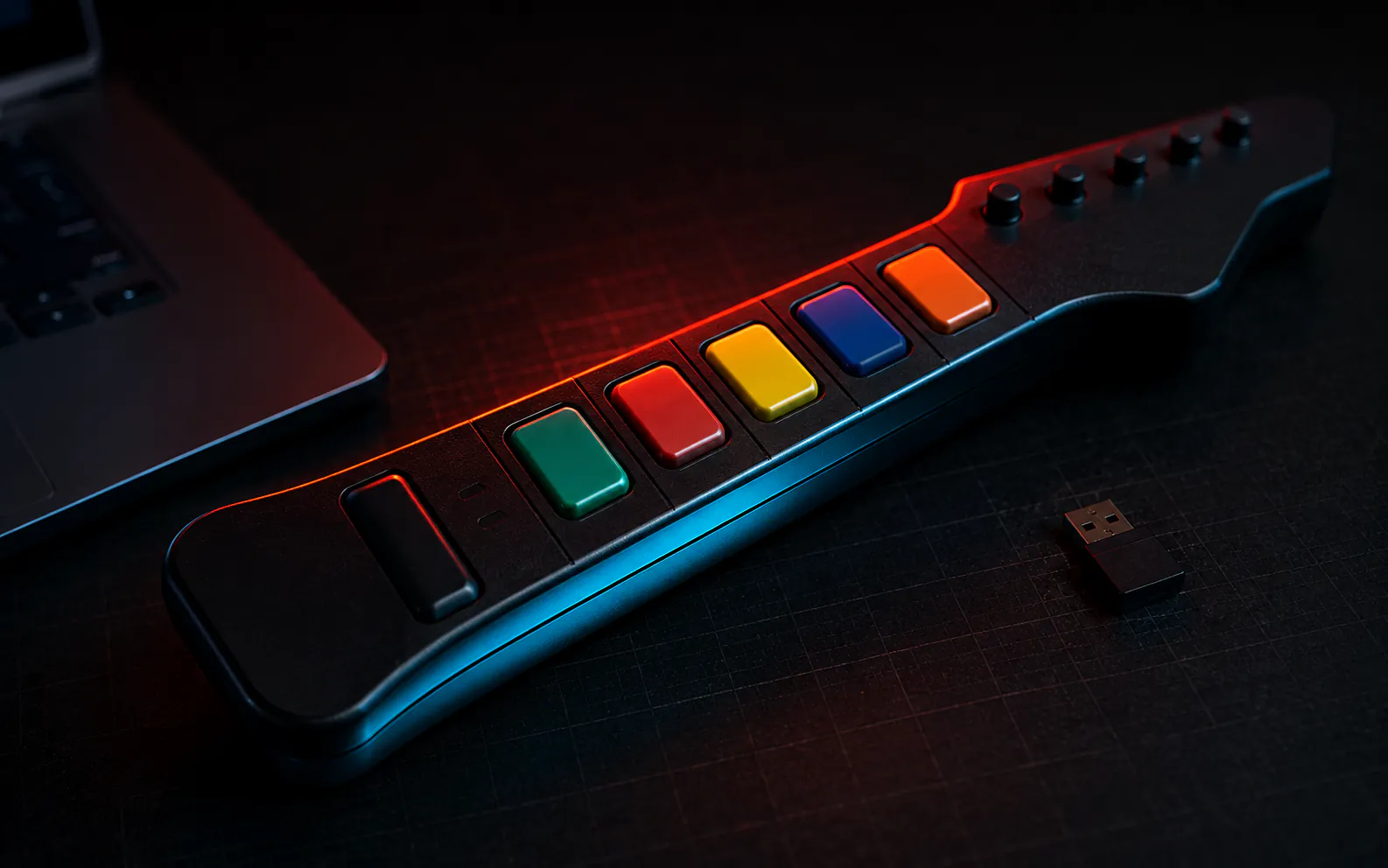
An Xbox 360 Guitar Hero controller works on a PC through the official Xbox 360 wireless receiver, and the fastest way to confirm it is a browser gamepad test. Connect the guitar, then watch each fret, the strum bar, and the whammy register live in the controller tester, before you install a driver or launch Clone Hero.
Xbox 360 · PS3 · Wii guitars · Clone Hero · adapter mapping · 9 min read
Most guides for reviving an old plastic guitar on PC send you straight into the Windows joy.cpl control panel, or tell you to launch Clone Hero and hope. Both skip the step that saves the most time.
A guitar controller reports its frets, strum bar, and whammy as standard gamepad inputs. You can read every one of them in a browser first, and know exactly what works before you install anything.
◆ VERIFIED
The W3C Gamepad API exposes every controller as a list of buttons and axes. Each button reports a pressed state plus a 0.0 to 1.0 value, and each axis is normalized from -1.0 to +1.0.[1] A guitar controller is no exception once an adapter presents it to the browser: the frets arrive as buttons and the whammy as an axis. JoyCheck reads those raw values directly, so what you see is the hardware reporting itself, not a game’s interpretation of it.
Source: W3C Gamepad API specification
Key takeaways
- An Xbox 360 guitar reaches a PC through the official oval wireless receiver, not a USB cable.
- A browser gamepad test shows every fret, the strum bar, and the whammy responding, no drivers needed.
- Button and axis numbers depend on your adapter, so test your setup rather than trust a fixed mapping.
- A fret that never lights up is usually a dirty or worn contact under the button, not a dead guitar.
- A dead whammy is often an adapter firmware issue you can reset, not a broken bar.
How do you test an Xbox 360 Guitar Hero controller on a PC?
You test it by connecting the guitar to your PC, opening a browser gamepad tester, and pressing each control while you watch the screen. Every fret, strum, and whammy movement that the hardware sends shows up in real time, which tells you in seconds whether the guitar is healthy before any game is involved.
Start by plugging the official Xbox 360 wireless receiver into a USB port and syncing the guitar to it, the same way you would sync a pad to a console. Once Windows sees the receiver, the guitar becomes a standard game controller.
Then open the JoyCheck controller tester and work through the guitar top to bottom: tap each of the five frets, flick the strum bar up and down, sweep the whammy, and hit Start and the navigation buttons. Anything that lights up is working. Anything that stays dark is your repair list.
This browser-first method beats the old routine of digging through the joy.cpl properties window, and it never asks you to install Clone Hero just to find out a fret is dead. Because the tester runs entirely in your browser, your inputs never leave your device.
What does a browser gamepad test show for a guitar controller?
A browser test shows each guitar control as a button that lights up or an axis that moves, so you can map the whole instrument in under a minute. The frets read as buttons, the whammy reads as an analog axis, and the strum bar reads as either buttons or a directional input depending on how your adapter presents it.
The table below is a compiled reference for what to expect. Treat it as a guide to the shape of the inputs, not a fixed address book, because the exact index numbers shift between receivers and adapters.
| Guitar input | What you see in the test | Notes |
|---|---|---|
| Green, red, yellow, blue, orange frets | Five separate buttons light up | One button per fret; the order depends on the adapter |
| Strum bar (up and down) | Two button presses, or a D-pad direction | Some adapters map strum to the hat, others to buttons |
| Whammy bar | One axis sweeping across its range | Rest and full press should read as two clear endpoints |
| Tilt or star power | A button toggle, or an extra axis | Not every adapter exposes tilt at all |
| Start, Select, and nav buttons | Standard menu buttons | These drive the Clone Hero menus |
If every row above responds, the guitar is fully functional and any remaining problem is in the game’s control mapping, not the hardware. If a row is missing, you have found the fault, and the sections further down cover the common fixes.
How do you connect a guitar controller to a PC?
The connection depends on the console the guitar was built for, and getting it right is the single biggest reason a guitar does or does not appear on a PC. Xbox 360 guitars use a wireless receiver, PlayStation 3 guitars use their own USB dongle, and Wii guitars need a separate USB adapter.
Any 5-fret Xbox 360 guitar or drum kit, from both Guitar Hero and Rock Band, works with the official Xbox 360 receiver.[2] The catch is that the receiver has to be the genuine oval unit with a center sync button, or a third-party clone shaped exactly like it. Receivers that ship bundled with a specific controller are usually locked to that controller and will not adopt your guitar.
| Guitar controller | How it reaches a PC | What you need |
|---|---|---|
| Xbox 360 (Guitar Hero or Rock Band) | Official Xbox 360 wireless receiver | Oval receiver with a center sync button; some third-party units need drivers |
| PlayStation 3 | The USB dongle that shipped with the guitar | Plug the dongle into a USB port, then sync the guitar to it |
| Wii | A third-party USB adapter | A Wii-to-USB adapter, such as a Raphnet unit |
| Wired guitars and many clones | A direct USB cable | No receiver needed; the guitar appears as a USB device |
Whichever path you use, the finish line is the same: the guitar shows up to your PC as a gamepad. The moment it does, run the cross-platform compatibility check in the browser to confirm the inputs before you commit to a game.
Why is your Guitar Hero controller not detected on PC?
The most common reason a guitar is not detected is the receiver, not the guitar. A wireless Xbox 360 guitar cannot talk to a PC on its own. If you have plugged in the guitar’s own sync dongle or a mismatched receiver, the system sees nothing to test.
Work through the causes in order:
- Confirm you are using the official oval receiver or a faithful third-party copy, because odd-shaped clones frequently fail.
- Install any driver the receiver asks for, since some third-party units will not enumerate until their driver is present.
- Re-sync the guitar to the receiver, holding the sync button on each until the lights settle.
If the receiver is correct and the guitar still does not appear, borrow the diagnosis path for any unrecognized HID controller. Try a different USB port, avoid unpowered hubs, and test the receiver with a known-good Xbox 360 pad to prove the receiver itself is alive. Only once the PC sees the device does testing individual frets make sense.
Which button is each fret, and why does it change?
Each fret maps to a button, but there is no universal number that is always green or always red. The mapping is set by your receiver or adapter, not by the guitar itself. This is the single most misunderstood part of using these controllers on PC, and it is why copying someone else’s button layout so often fails.
The Gamepad API simply reports a list of buttons in the order the connecting device presents them.[1] An official Xbox 360 receiver, a Raphnet adapter, and a Santroller-based board can each present the same physical guitar with a different button order.[2] None of them is wrong; they are just different maps of the same instrument.
Building JoyCheck, the pattern I saw again and again was exactly this: one guitar, read through two different receivers, would report green on two different buttons. Neither reading is a fault. It is why the tester shows your live mapping instead of a chart that would be wrong half the time.
The practical takeaway is to test, then map, in that order. Open the tester, press green, and note which button lights, then repeat for each fret and the strum.
You now have your real layout, and you can enter it once into Clone Hero instead of guessing and re-guessing. The same logic applies to any remappable pad, which is why firmware and mapping tools exist for modern controllers too.
How do you fix a fret that will not register?
A fret that never lights up in a test is almost always a dirty or worn contact under the fret button, and cleaning it is the first fix to try. These guitars are old, and the small conductive pads beneath each fret collect grime that stops them completing the circuit.
Open the fret housing, and clean the contacts and the pads with isopropyl alcohol on a cotton swab. Let it dry fully, reassemble, and re-test in the browser tester. A large share of dead frets come back to life at this step, with no soldering and no parts.
If cleaning does not restore it, the switch or contact pad itself is worn out and needs replacing, which is a more involved repair. The logic mirrors any hardware fault: confirm the input is truly dead in a live test first, so you are fixing a proven problem rather than chasing a mapping quirk. The same test-first discipline runs through the controller repair guides across this site.
Why has your whammy bar stopped working?
On adapter-based setups, a dead whammy is more often a firmware or configuration problem than broken hardware. The whammy is an analog axis, and adapters occasionally drop it after a firmware update or a mode change, which reads in a test as an axis that will not move.
The fix on Raphnet and similar adapters is usually to reset or re-flash the adapter through its manager software, after which the whammy axis returns. Before opening the guitar, test the whammy in the tester and watch the axis value: if it sits frozen while every fret works, the guitar is fine and the adapter is the suspect.
Sometimes the whammy reads as a dead axis even on a genuine receiver, with no adapter in the chain. In that case the potentiometer inside the whammy assembly has likely worn, the same way a thumbstick wears. At that point it is a hardware replacement, and the same analog wear patterns that affect sticks apply to the whammy pot.
Do drums and other instrument controllers test the same way?
Yes, drum kits and other instrument controllers test on exactly the same principle, because they all present to the PC as gamepads with buttons and axes. Each drum pad and pedal reads as a button, and any velocity-sensitive pad reports a value rather than a simple on or off.
For a 5-lane or 4-pad drum kit, run the tester and strike each pad and the kick pedal in turn, watching for a distinct button per surface. A pad that reads nothing points to the same contact or trigger fault you would chase on a guitar fret. A pad that reads erratic values points to a worn or loose sensor.
Keyboards, turntables, and other rhythm peripherals follow the pattern too. If it connects as a controller, a gamepad test will show its inputs, which makes the browser the one tool that covers your entire plastic-instrument collection without a separate app for each.
Should you repair or replace an old instrument controller?
Repair first when the fault is a single dirty fret or a whammy the adapter dropped, and consider replacing only when multiple contacts are worn or the shell is damaged. These controllers are long out of production, so a working unit has real value, and most faults are cheap cleaning jobs rather than dead electronics.
The decision comes down to how many inputs fail your test. One or two dead frets from grime are worth cleaning, since the parts are free and the fix is reversible.
A guitar with half its frets worn, a mushy strum bar, and a dead whammy has a tired input assembly. A replacement may cost less than the hours of repair.
Run the full tester before you decide either way, and use the calibration tester to confirm the whammy and any analog inputs reach their full range. A confirmed list of exactly what works turns a vague “it feels off” into a clear repair-or-replace call, and it stops you spending on a guitar that a five-minute clean would have saved.
Sources and references
-
W3C Gamepad API specification. The W3C standard defining a controller as a list of buttons, each with a pressed state and a 0.0 to 1.0 value, and axes normalized from -1.0 to +1.0. This is the interface JoyCheck reads to show each fret and the whammy in the browser.
-
Clone Hero Wiki: receivers, dongles, and guitar troubleshooting. The community reference documenting which Xbox 360, PlayStation 3, and Wii guitars connect through which receiver or adapter, and the firmware and contact fixes for unresponsive frets and whammy bars.
Does an Xbox 360 Guitar Hero controller work on PC?
Yes. Any 5-fret Xbox 360 guitar, from Guitar Hero or Rock Band, works on a PC through the official Xbox 360 wireless receiver. Plug in the receiver, sync the guitar, and it appears to the system as a standard gamepad you can test in a browser.
How do I test my Guitar Hero controller in a browser?
Connect the guitar to your PC, open JoyCheck, and press each fret, strum, and the whammy. Every input that registers lights up on screen in real time. It needs no drivers, no sign-up, and no game launch, and your inputs never leave your device.
Why is my Guitar Hero controller not detected on PC?
The usual cause is the receiver. A wireless Xbox 360 guitar needs the official oval receiver, and many third-party dongles need extra drivers or do not work at all. Confirm the receiver is genuine, install any driver it needs, then re-sync the guitar.
Which button is each fret on a guitar controller?
There is no single standard. The green, red, yellow, blue, and orange frets each map to a button, but the exact number depends on your adapter or receiver. That is why a live test matters: it shows your specific mapping instead of a guessed one.
How do I fix a fret that does not register?
A fret that never lights up in a test is usually a dirty or worn contact under the button. Open the guitar, clean the fret contacts with isopropyl alcohol, and re-test. If it still fails, the switch itself is worn and needs replacing.
Why has my whammy bar stopped working?
On adapter-based setups a dead whammy is often a firmware or configuration issue, not broken hardware. Re-flashing or resetting the adapter usually restores it. Test the whammy as an axis first: if it reads nothing at all, suspect the adapter before opening the guitar.
Can I use a Guitar Hero controller for Clone Hero?
Yes. Clone Hero is built around these plastic guitars, and any guitar that reaches your PC and passes a gamepad test will work in the game. Confirm every fret, the strum bar, and the whammy respond in a browser first, so you map controls once and play.
Test your guitar controller in the browser
No install, no account. Your inputs never leave your device.